User guide
Getting the most from Last Minute Cape Ann
For innkeepers, vacation rental managers, concierges and hosts in Gloucester, Rockport, Manchester-by-the-Sea and Essex.
1. What visitors see
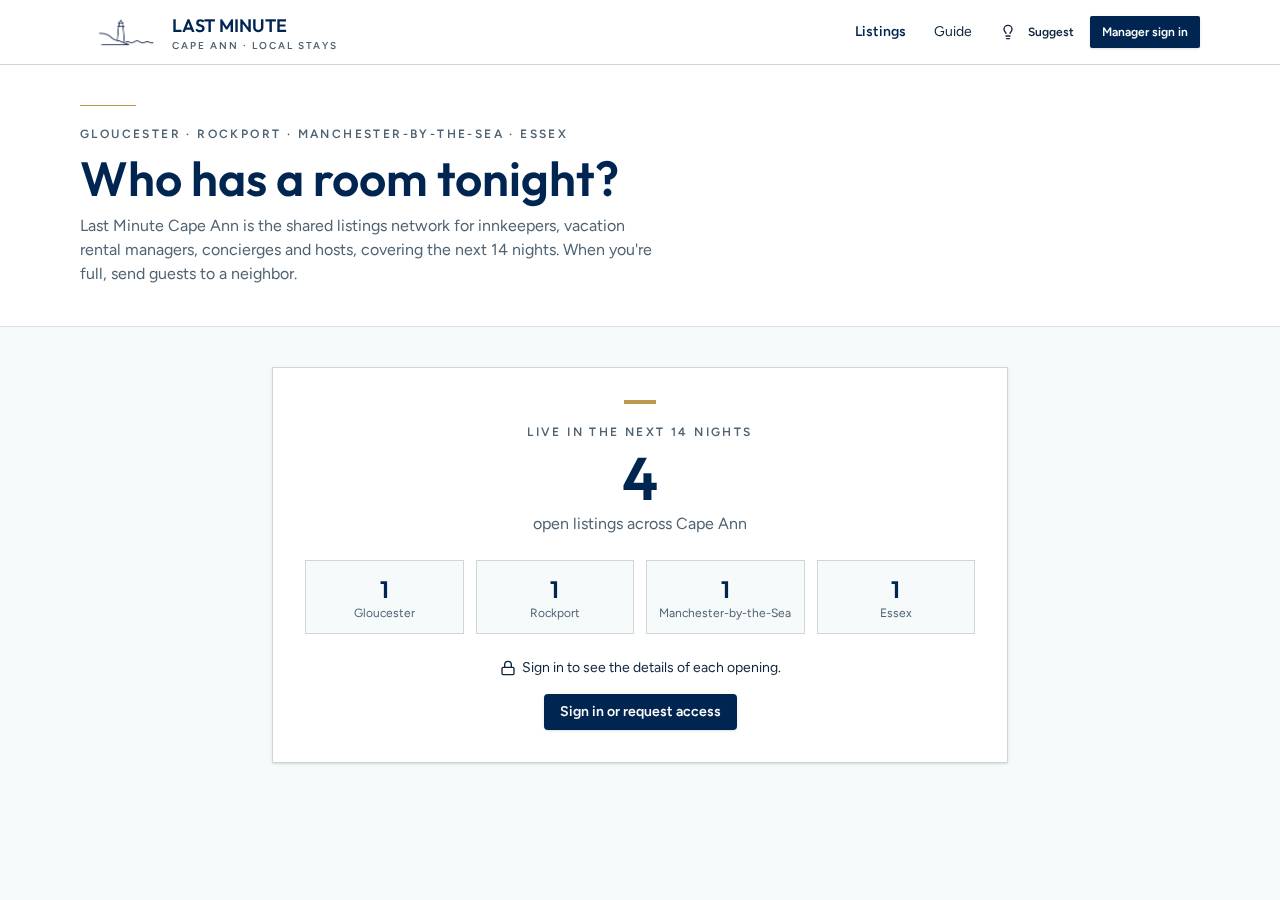
- Anyone can see how many openings are live across Cape Ann in the next 14 nights, and how many were booked through the network.
- Rates, dates, photos and contact details are only visible to approved members.
2. Request access
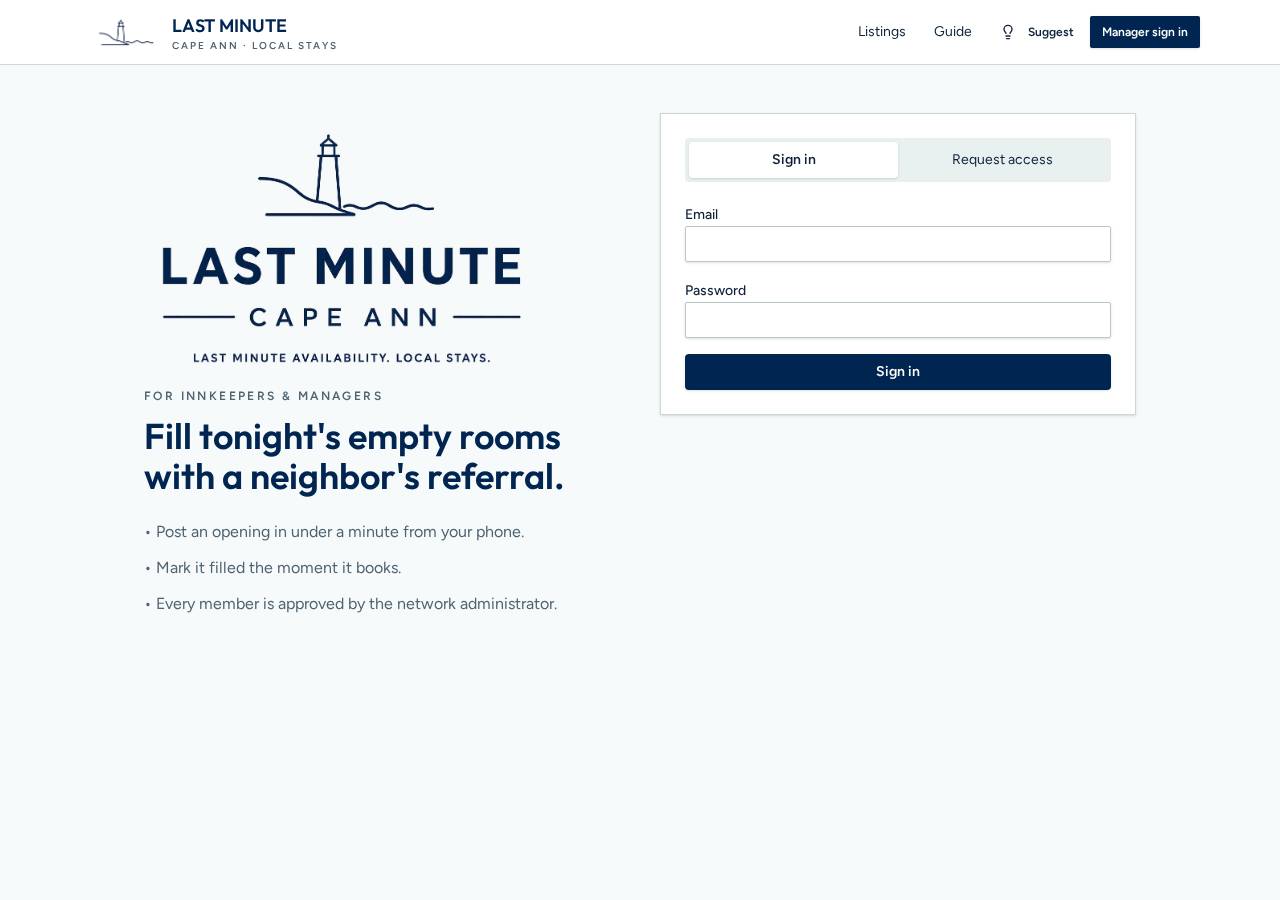
- Tap “Manager sign in”, then “Request access”. Enter your business, name, phone, website and town.
- Confirm your email, then wait for an administrator to approve you. You'll get a welcome email once you're in.
3. Browse the listings
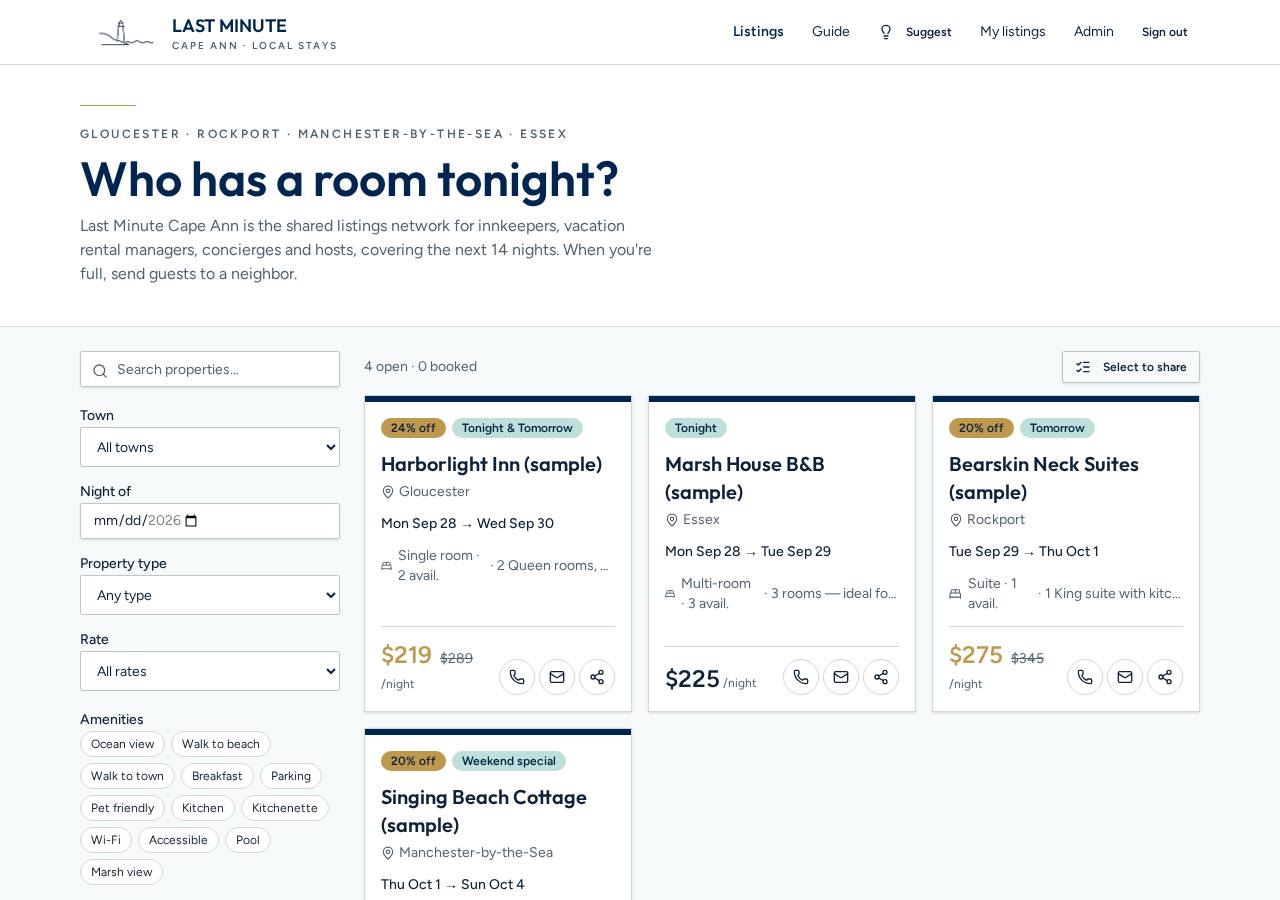
- Filter by town, night, property type, deals and amenities. Badges highlight % off, Tonight & Tomorrow and Weekend specials.
- Booked openings stay on the page, faded with a “Booked” ribbon, so everyone can see the network working.
- Each card has its own share button, and you can send one link to several openings at once — see step 6.
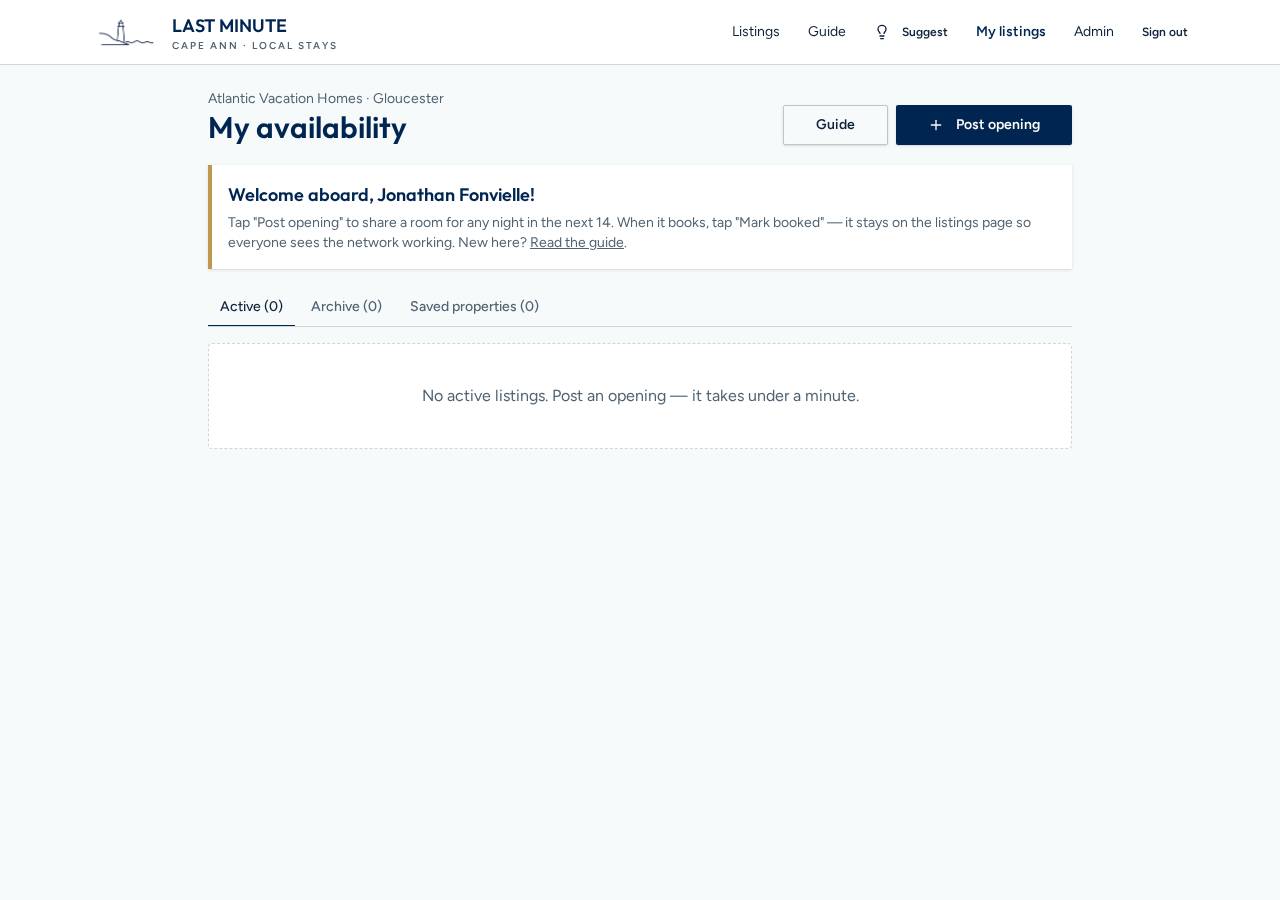
4. Your manager page
- “My listings” shows your Active openings, the Archive (listings move there automatically once their dates pass) and Saved properties.
- Tap “Mark booked” when a room is taken. “Refresh for tonight” or “Refresh selected” re-posts archived listings with new dates.
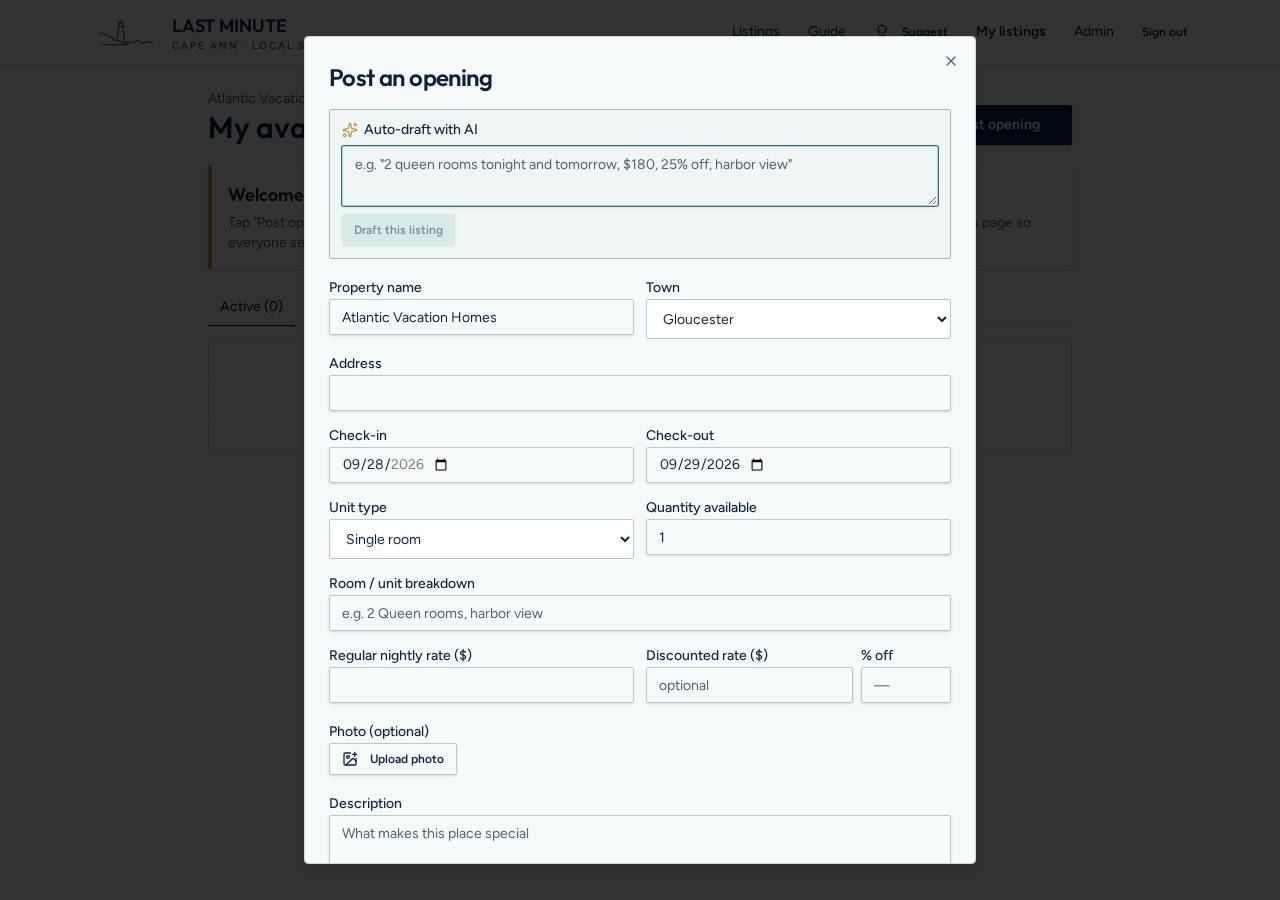
5. Post an opening
- Pick dates within the next 14 nights, the unit type, quantity and rates. Add a photo, a coupon code and notes if you like.
- Choose “Book online” (add a link) or “Call to book” (guests get a button that dials you).
- In a hurry? Type a quick note like “2 queens tonight, $189, 20% off” and tap “Draft this listing”. Check the details, then post.
- Tick “Also save as a reusable property” to start future posts from the same details.
6. Share the openings
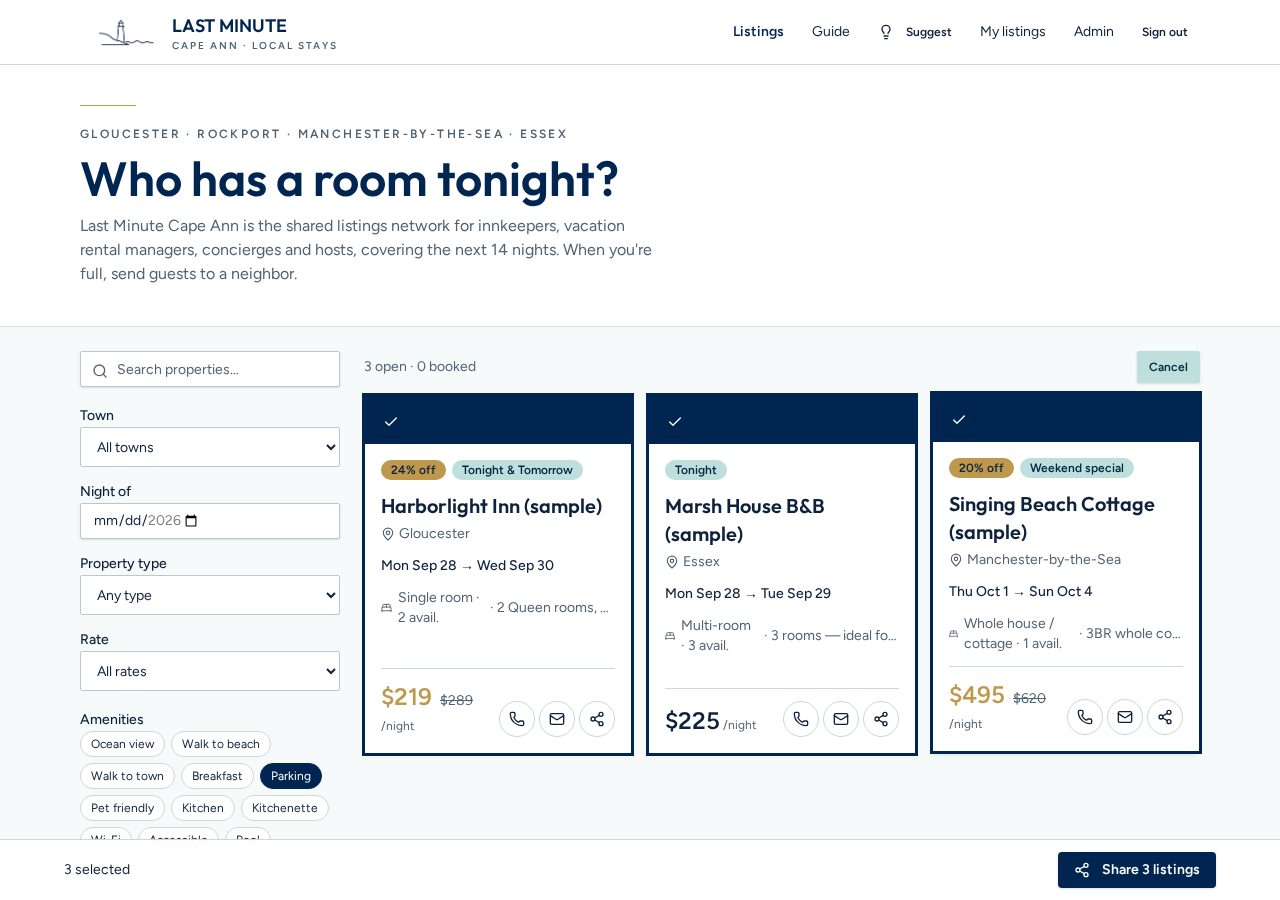
- Every listing card and listing page has a share button: on a phone it opens your usual share menu (Messages, WhatsApp, email), on a computer it copies the link.
- Want to send a shortlist? Tap “Select to share”, tick the openings you like — yours or any other member's — then tap “Share N listings” to send one link to all of them.
- That link opens a page with just those rooms: rates, photos, coupon codes and the booking button. Handy for concierges, front desks and colleagues fielding last-minute requests.
- The person you send it to needs an approved member account to open it, and then books on your terms — your booking link, or the “Call to book” button that dials you.